
Multi-factor authentication is supposed to be the line an attacker cannot cross without your phone. A campaign tracked through the summer of 2026 showed a way around it that never touches your password at all: steal the proof that you already passed the check, then reuse it.
Security researchers at Huntress tracked the campaign between July 14 and September 22, 2026 — about ten weeks — counting 497 successful Microsoft 365 sign-ins and more than 200,000 failed login attempts across 79 organizations in its customer environments. Help Net Security reported the findings on October 23, 2026. The headline figure is stark, and so is the mechanism: as the researchers put it, the Microsoft accounts were compromised without the attacker ever needing a password.
The session token is the prize
When you sign in to Microsoft 365, you enter your password and approve the MFA prompt. Only then does Microsoft hand your browser a session token — a temporary credential that says this sign-in is already verified. As long as that token is valid, you are not asked to prove yourself again for every click.
That token is exactly what this attacker went after. Victims landed on fake sign-in pages backed by adversary-in-the-middle (AiTM) relays. The relay passed the genuine Microsoft login page and the real MFA prompt through to the victim, who signed in normally — and the relay kept the session token Microsoft issued once sign-in was complete. Because that token is created after the MFA step, whoever holds it can use it without passing MFA again.
Other tokens were obtained through device-code phishing, in which victims were tricked into entering a code on Microsoft's legitimate sign-in page, and through social engineering during an ordinary login. The attacker then replayed the stolen tokens in bulk, mostly from one block of IP addresses. Huntress calls this "token spraying": the same pattern as password spraying, but with stolen tokens instead of guessed passwords.
Replayed within minutes
Speed was a defining feature of the campaign. In a July 21 incident, the hijacked session appeared from an attacker address 12 minutes after the victim reached the MFA prompt. By September 22, the gap was down to four minutes. Once a victim approved a sign-in on a relayed page, the attacker was inside before most people would even think to check anything.
Over the course of the campaign, the attacker moved between six addresses in the 193.26.115.0/24 range in four phases, with breaks of a week or two between some of them. The researchers noted that blocking any one of those addresses would have stopped a single phase at most — single-IP blocklists were not an answer to infrastructure that rotated on purpose. The stolen sessions were replayed from servers at 1337 Services GmbH, a hosting provider incorporated in Hamburg, Germany, and Microsoft Entra ID Protection independently flagged several of those addresses.
Fake devices and swapped MFA: staying in after the token dies
A stolen session eventually expires, so the attacker worked to keep access. Huntress found at least 48 rogue computers registered in victims' Microsoft Entra directories, each named "DESKTOP-" followed by eight hexadecimal characters. A registered device stays in the directory until someone deletes it.
In 19 organizations, the victim's existing MFA methods were wiped and a new one registered within three hours of the first sign-in from a campaign address. In the July 21 case, an authenticator app labeled "iPhone 13" was activated on the account less than an hour after the session was hijacked. An authenticator registered this way lets the attacker complete MFA for new sign-ins at will — and that access survives a password reset unless someone audits the account and removes it.
This is the detail that matters most for recovery. Changing the password of a compromised account, on its own, does not evict this attacker. The rogue device and the attacker's authenticator have to be found and removed, and the sessions revoked.
Mail hidden from its owners
The attacker also worked to stay unseen inside the mailbox. Inbox rules with names such as ".", "sss" and "iT" deleted incoming mail or marked it as read and moved it to folders like RSS Feeds and Conversation History — places a busy user rarely checks.
In one case, the attacker used a compromised mailbox to send a payroll-related email to an external accountant. In that mailbox, the attacker modified a rule to catch any message mentioning payroll, direct deposit, bank or bonus, and five minutes later created a second rule that hid all mail from the accountant. The setup points to business email compromise: control the mailbox, hide the replies, and the fraud conversation happens without the real owner ever seeing it.
On September 11, the attacker switched to a new address and ran an automated program that reused captured tokens. Over four days, it completed hundreds of successful sign-ins at nearly 30 organizations. The same address was blocked 1,052 times — and every block came from four organizations whose Conditional Access policies refused the sign-ins. Those policies, which can require MFA or block access outright, are one of the few controls Huntress says can fill some of the security gaps MFA cannot.
What to check right now
If you administer Microsoft 365, or you are worried your own account was caught in something like this, work through this list in order:
- Revoke sessions first, then reset the password. A password change alone leaves a live stolen session — and any attacker authenticator — in place.
- Audit registered devices. Look in Entra ID for devices you do not recognize, including any named "DESKTOP-" followed by random characters.
- Audit MFA methods. Confirm every authenticator app and phone number on the account belongs to the real user. Remove anything unfamiliar.
- Audit inbox rules. Check for rules with odd names or rules that delete mail, mark it as read, or move it to RSS Feeds, Conversation History, or other rarely checked folders.
- Review sign-in logs for impossible travel. Sign-ins from unfamiliar locations or infrastructure shortly after a legitimate MFA approval deserve investigation.
- Enforce Conditional Access. Policies that restrict sign-ins by location, device compliance, or risk can block replayed tokens even when MFA has already been passed once.
For everyday users, the practical lesson is narrower but just as important: treat every MFA approval prompt as a decision, not a reflex. If an approval request arrives when you are not signing in, deny it and report it. And never approve a sign-in, or enter a device code, from a page you reached by clicking a link in an email or message — type the service address yourself or use a bookmark.
Why MFA is still worth it — and where it stops
None of this means MFA is useless. Password-only accounts fall to credential theft at far greater scale, and phishing-resistant methods such as passkeys and hardware security keys are bound to the real site's address, so a relayed fake page cannot reuse them the way it reuses a session token. What this campaign proves is that MFA is one layer, not a verdict: the token issued after MFA is itself an asset, and the account hygiene around it — devices, authenticator methods, inbox rules, Conditional Access — is what decides whether one stolen session becomes a lasting compromise.
Key takeaways
- 79 organizations in Huntress customer environments were affected between July 14 and September 22, 2026, with 497 successful sign-ins and more than 200,000 failed attempts.
- No passwords were needed: AiTM relays captured session tokens issued after MFA, and the tokens were replayed within minutes — 12 minutes in July, four minutes by September.
- Persistence came from at least 48 rogue registered devices and MFA methods replaced within three hours at 19 organizations — access that survives a password reset.
- Hidden inbox rules deleted or diverted mail, supporting payroll-themed business email compromise in at least one case.
- Recovery means revoking sessions, removing rogue devices and authenticators, and auditing inbox rules — in that order — plus Conditional Access to block replays.
Sources and scope
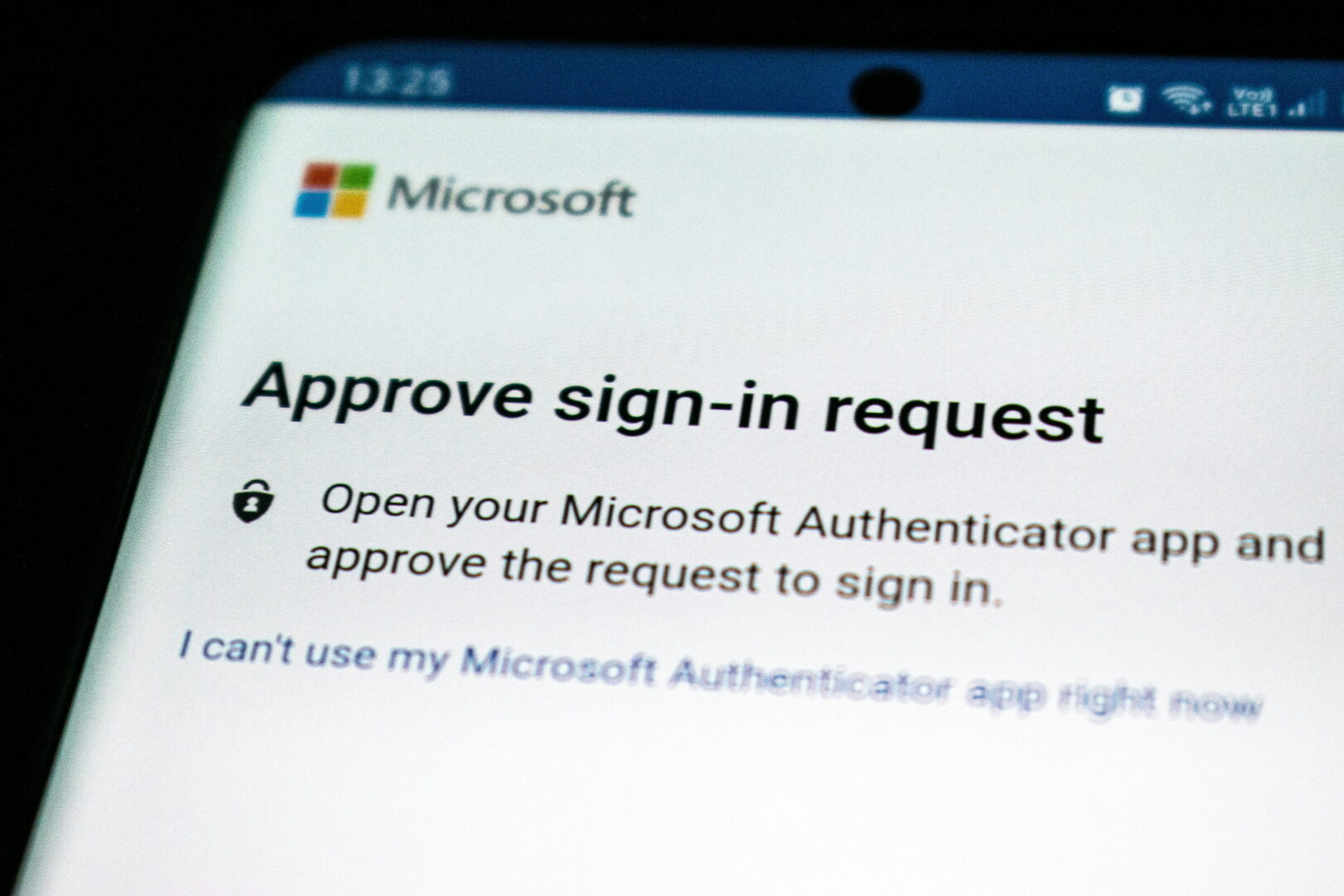
Figures in this article come from Huntress's investigation as reported by Help Net Security on October 23, 2026: Microsoft 365 accounts compromised at 79 organizations, no passwords needed. Huntress's own technical write-up is available at huntress.com/blog/token-replay-spray. Two scope notes: the counts cover Huntress customer environments, not every Microsoft 365 tenant, and 497 sign-in events does not mean 497 separate compromised accounts. Neither Huntress nor Microsoft has publicly named the actor behind the campaign. Cover photo: a Microsoft Authenticator sign-in approval screen, photo by Ed Hardie on Unsplash.